Docs · Drivers
Drivers: Claude Code, Cursor or your own key
The three drivers#
| Driver | What runs | Limits | Status |
|---|---|---|---|
claude | Headless Claude Code (claude -p) on your Claude subscription — no API key | Enforced by its allowed tools: only researchforge commands and file edits inside the project | Used in real runs |
cursor | The Cursor agent CLI (cursor-agent -p) with the same instructions | Instructions only: headless Cursor needs --force, which allows any command | Tested |
byok | Bring your own key: the terminal calls Anthropic, Gemini or OpenAI directly, or a local Ollama model, through researchforge kaggle run | Runs through ResearchForge’s own loop, not a coding agent | Tested |
BYOK (bring your own key) means the terminal calls Anthropic, Gemini or OpenAI directly, or a local Ollama model (RESEARCHFORGE_LLM=ollama/<model>). It is independent of any Claude Code or Cursor setup. For a local model there is nothing to sign in: set the variable and pick byok.
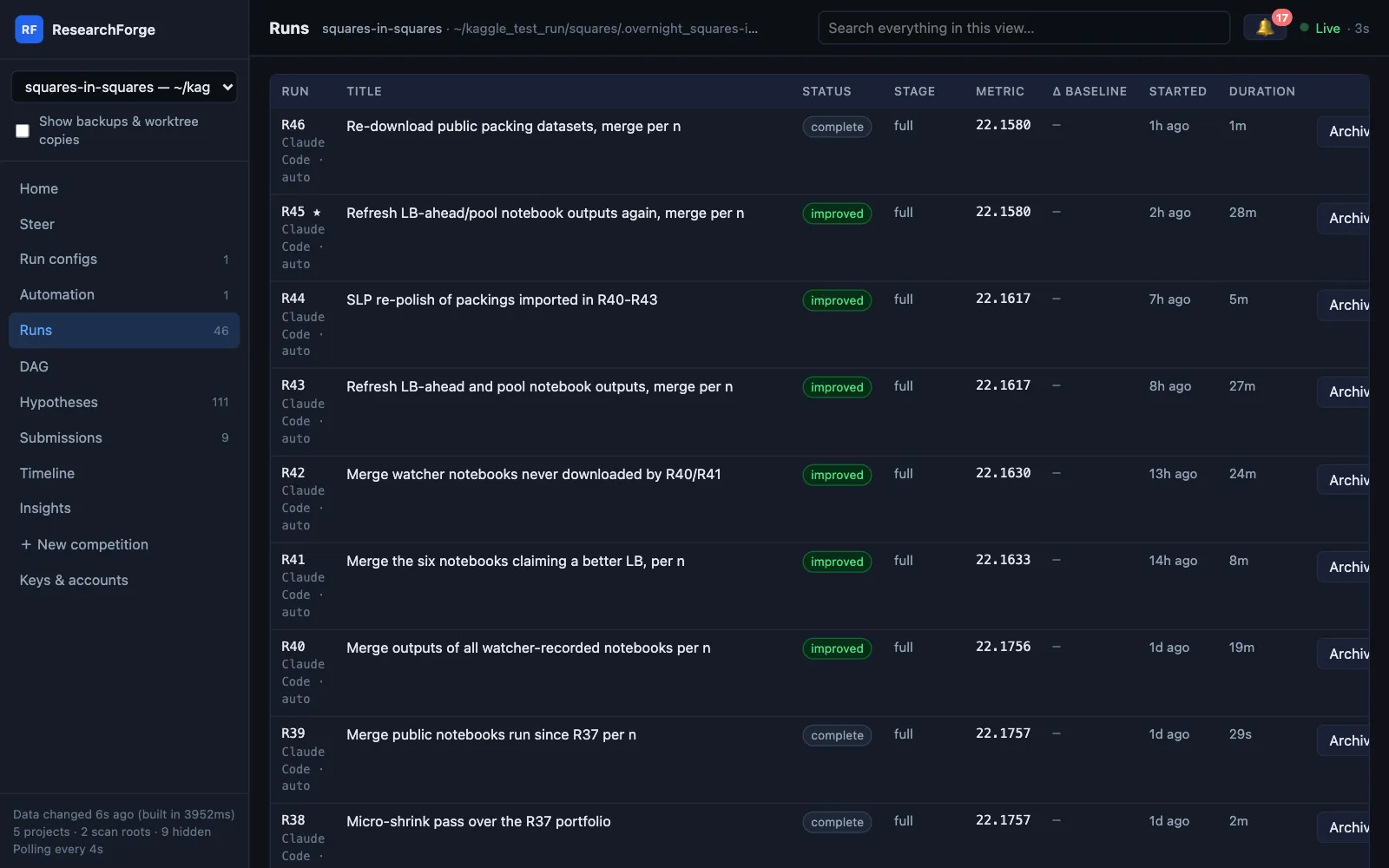
--force, prefer the Cursor driver on a machine you trust. Claude Code's limits are enforced, not just requested.Auto-run on Squares in Squares launched 40 of its 46 rounds with the Claude Code driver; Enveda CASMI 2026 and the Gemma 4 Developer Agent used it too. Every round records which driver ran it, shown on the Runs page.
Sign a driver in#
$ researchforge kaggle driver-login claude # runs claude setup-token; a browser opens once$ researchforge kaggle driver-login cursor$ researchforge kaggle driver-login byok # asks for the key at a hidden prompt$ researchforge kaggle auto-run-key CLAUDE_CODE_OAUTH_TOKEN # store one value: CURSOR_API_KEY, an AI API key, …
Run these in your own terminal; they refuse to run without one, so no other program can pass them a value. Or paste the token on the dashboard's Keys & accounts page. Tokens and keys go to ~/.config/researchforge/auto_run.env (mode 600), are passed only to the driver, and are never shown again or typed into a chat.
Pick or switch#
$ researchforge kaggle driver <slug> # current driver, readiness and setup steps$ researchforge kaggle driver <slug> cursor # the next launch and sensor call use it$ researchforge auto-run settings --on --driver claude # a repository project
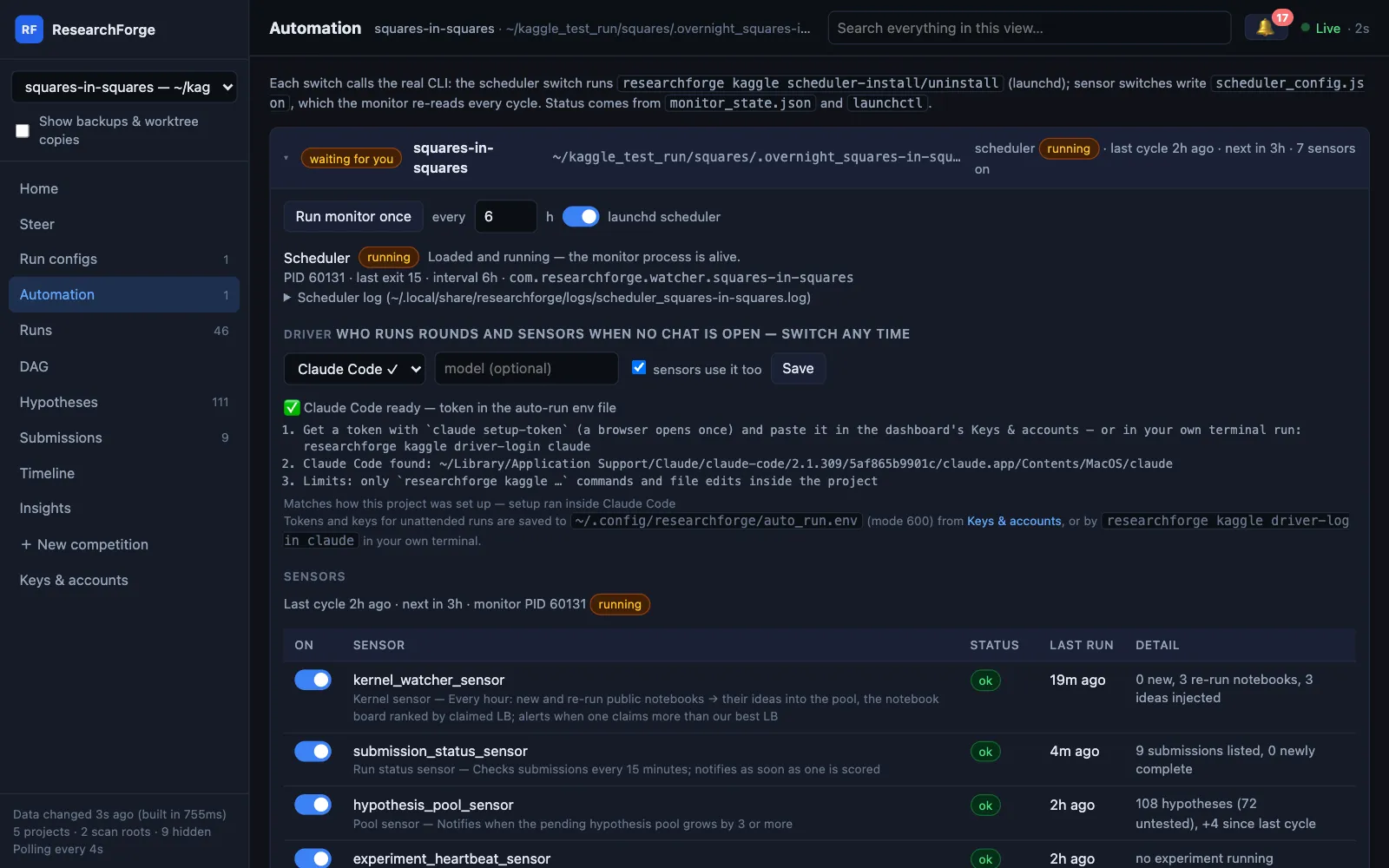
Or in Automation → Driver and Run configs → Who runs it. A launch already running finishes on its old driver unless you stop it.
Usage limits#
If the driver hits its usage limit — Claude's weekly limit, for example — auto-run reads the reset time from the message, tells you once and waits until then, instead of failing every cycle. To keep going, switch driver in Run configs.
What a driver may and may not do#
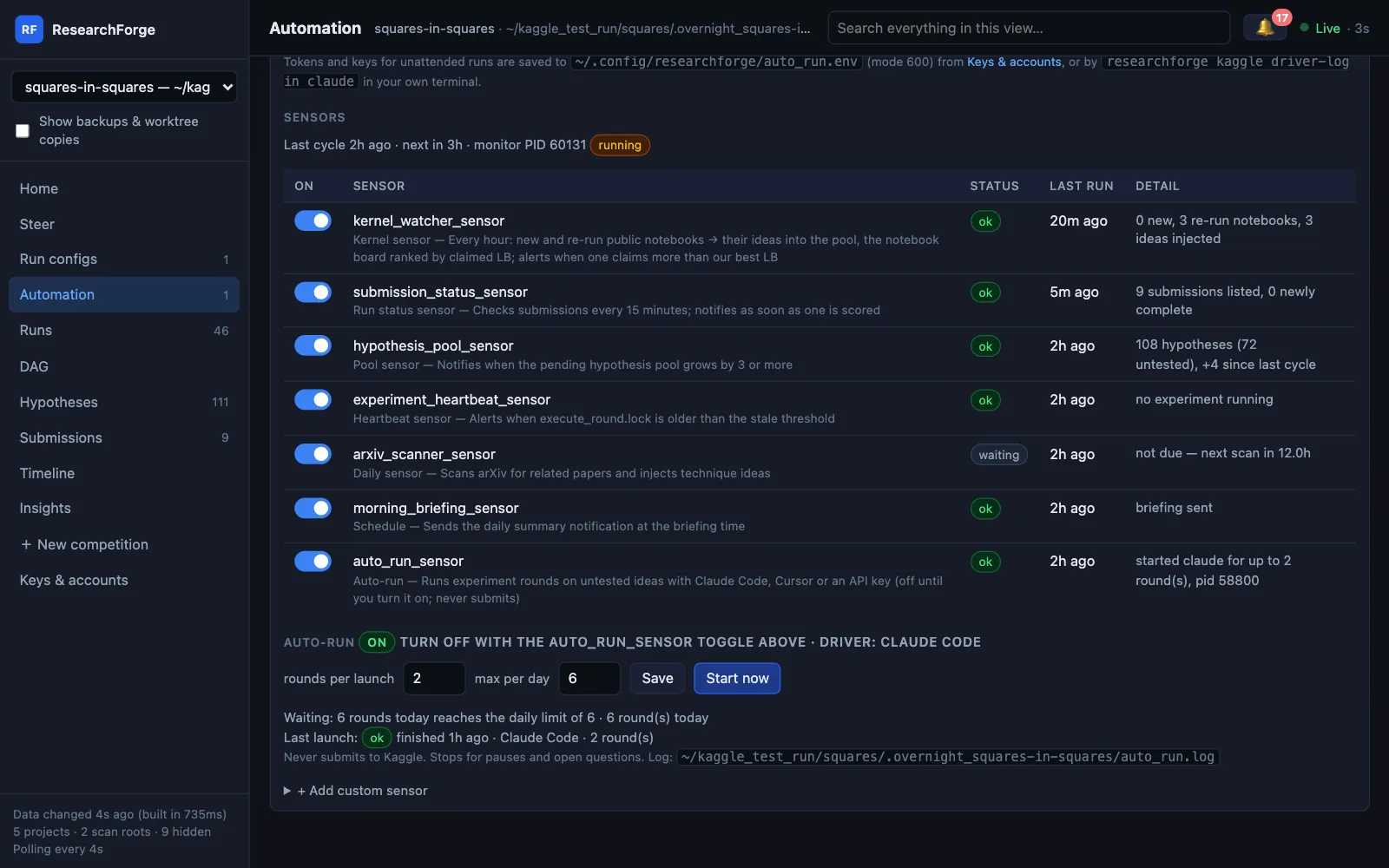
- Propose and run rounds on ideas in the pool, within rounds per launch, a daily maximum and a launch time limit.
- Ask you a question; only the ideas it names wait.
- Never submit to Kaggle, answer a submission question, approve a repository plan, or ship.
- Never ask you to run a command on your machine.
What it costs#
With an API key, every call is metered per model, purpose and round on the dashboard's Insights page. A coding agent's tokens are spent inside its own session and are not visible to ResearchForge, so Insights says so instead of showing a zero cost. See Timeline and Insights.