Docs · Teams & enterprise
ResearchForge for teams: governance, isolation and air-gapped use
What runs where#
- Everything runs where you run it. ResearchForge sends nothing to us. Its only outside calls are the ones you configure: your AI provider (or a local model), arXiv, Kaggle, and notifications if you turn them on.
- The AI writes patches; the engine enforces. Every change is checked against the approved contract. The AI cannot get around protected paths, limits or approval gates.
- Experiments run in detached git worktrees. Your working checkout is never touched during a run.
- No credentials are forwarded into experiments unless you list them in
secrets.forward_environment_variables. - Keys are never typed into a chat. They are pasted on the local Keys & accounts page or at a hidden prompt in your own terminal, saved with mode 600, and never shown again or given to an agent.
- All state is plain files in
.researchforge/and.overnight_<slug>/.
Guardrails#
| Guardrail | Where it is set | What happens |
|---|---|---|
| Protected paths | permissions.protected_paths | A patch that touches one is recorded as rejected and never runs |
| Editable paths | permissions.editable_paths | The only places a patch may change |
| Hard constraints | objective.hard_constraints | Accuracy, latency or cost limits fail a result automatically |
| No network in experiments | network.mode: none | Outbound connections are blocked inside Docker-mode experiments |
| Resource limits | execution.timeout_minutes · cpu_limit · memory_mb | The timeout applies everywhere; CPU and memory limits apply in Docker mode |
| Typed approvals | contract approve · experiment approve | Nothing runs until a person types the approval. The approved contract cannot change. |
| Shipping | shipping.allow_branch_creation · allow_draft_pr | A branch is built locally and never pushed; a PR is opt-in twice and always a draft |
$ researchforge generate policy$ researchforge generate dockerfile
Audit trail#
The history is rebuilt from the records the workflow writes — not from a separate log someone could forget to update — and plans that ran without an approval are flagged.
$ researchforge audit log --last 20$ researchforge audit log --kind contract_approved$ researchforge audit export trail.json
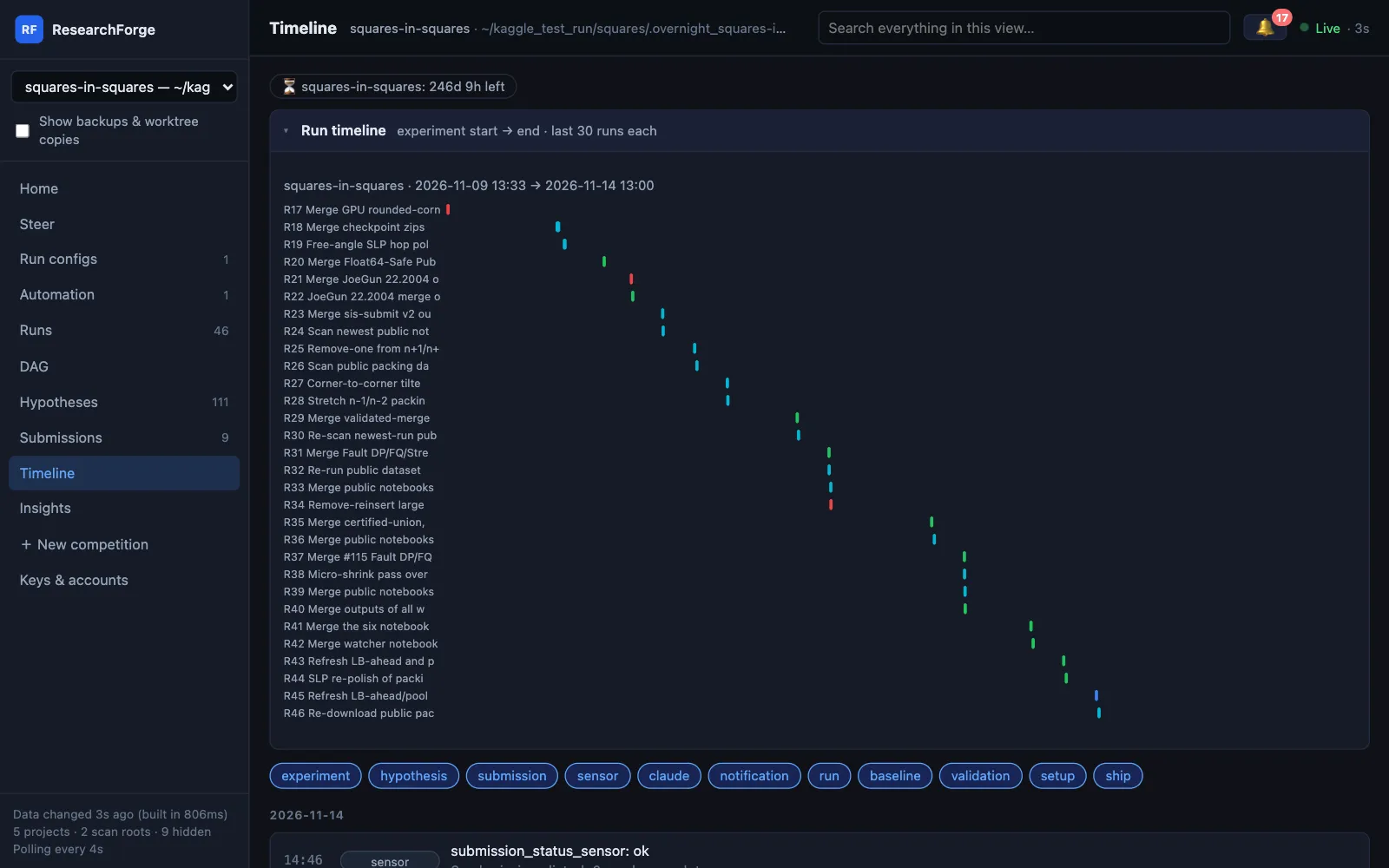
On the dashboard, the Timeline puts every experiment, submission, sensor result and alert in order, and every Run configs change is logged with when and where it was made.
Local and air-gapped#
Point ResearchForge at an Ollama server and no prompt leaves your network. Local models are counted at zero token cost.
$ export RESEARCHFORGE_LLM=ollama/qwen3:14b$ export OLLAMA_HOST=http://ollama.internal:11434
For a machine with no internet, carry the wheels and your papers across:
# on a connected machine$ pip download researchforge -d rf-wheels$ researchforge papers export papers.json# on the air-gapped machine$ pip install --no-index --find-links=./rf-wheels researchforge$ researchforge papers import papers.json
Docker isolation#
Set the execution mode to Docker and each experiment runs in a container, within the contract's CPU, memory and time limits.
execution:
  mode: docker
  screening_command: "python benchmarks/evaluate.py --quick"
  full_command: "python benchmarks/evaluate.py"
  result_file: artifacts/results.json
  timeout_minutes: 5
  cpu_limit: 1
  memory_mb: 1024
CI#
Every command takes --json, so read-only ones fit a pipeline: status, results show, baseline show, audit export. Anything that changes code waits for a typed human approval, so CI reports — it does not approve. A CI/CD integration is on the roadmap and built with pilot teams.
Many projects, one view#
$ pip install "researchforge[serve]"$ researchforge hub --open # every project on this machine, read-only
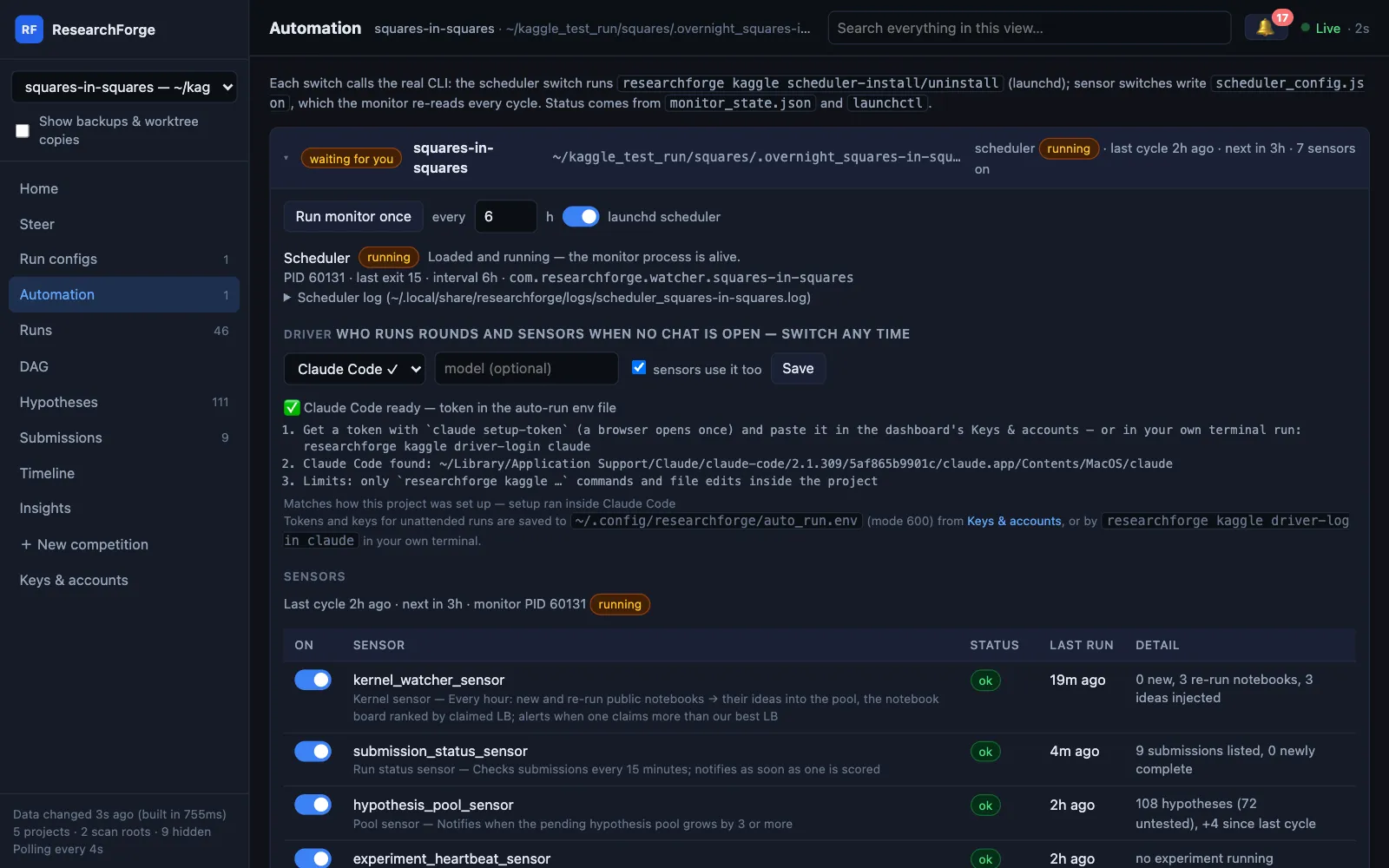
The live dashboard (researchforge dashboard) shows every competition and repository project on the machine, with questions waiting for people at the top, and which driver — with which limits — runs each one. See Drivers.
Pilot#
Bring one repository, one metric and one recurring maintenance task — a dependency upgrade, retraining on new data, a model or prompt swap. We set up the baseline, constraints and approvals with you and run it for 30 days. See For teams, or write to support@researchforgehq.com.